
How to Manage Multiple LinkedIn Accounts From One App
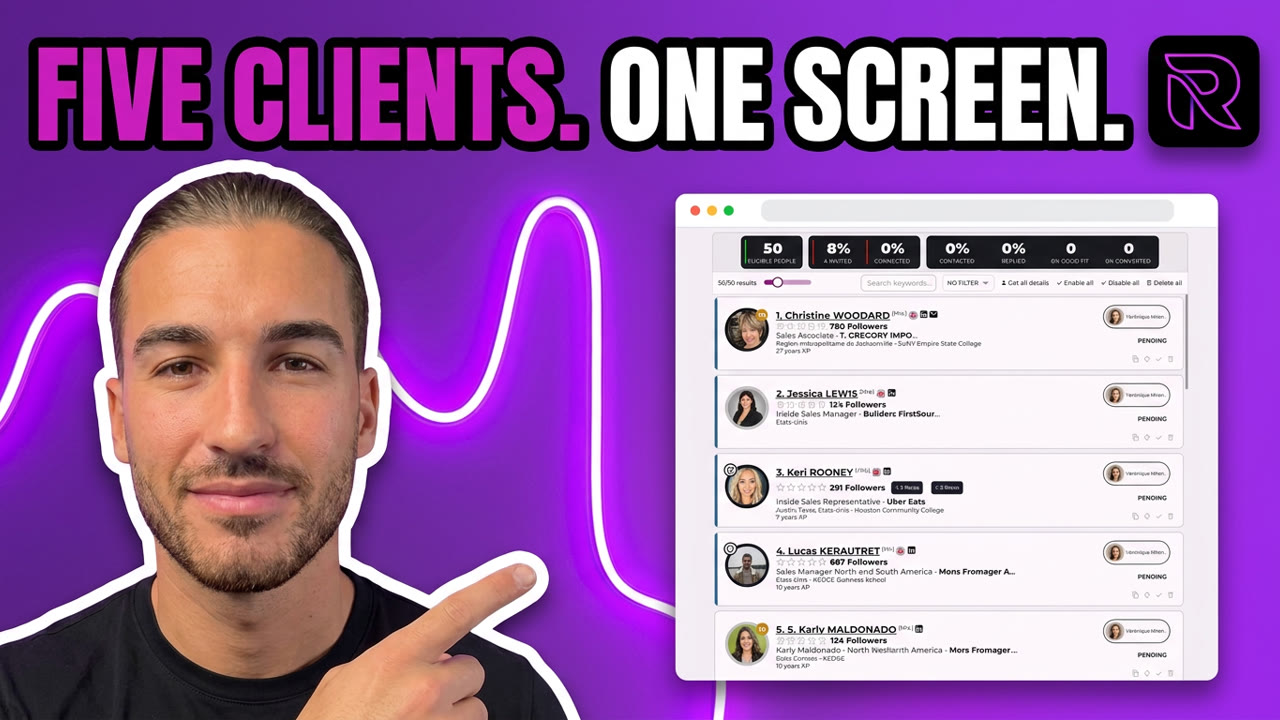
You can run every client’s LinkedIn account from one desktop app. Reachy AI connects them side by side, allocates each contact to one account, runs every action from that account, and puts every inbox one click away. No browser profiles, no proxies, no sticky notes with passwords.
An agency owner showed me her setup a while back. Five Chrome profiles, one per client. Five sticky notes with passwords on the edge of her screen. Every morning started with twenty minutes of logging in and out. That conversation is the reason this article exists.
How do agencies usually manage multiple LinkedIn accounts?
Three ways, and all of them hurt at some point:
- Browser profiles. One Chrome profile per client. Free, but every profile is a login to maintain, a session that expires, and a tab you forgot. At five clients it becomes a part-time job.
- Virtual assistants. Someone logs into each account manually. It works until the VA is sick, leaves, or mixes up two clients’ inboxes.
- Cloud automation tools. They handle multiple accounts, but your clients’ sessions live on someone else’s servers, and most of them charge for every seat you add.
The pattern is the same: the more clients you win, the heavier the setup gets. Growth should not feel like punishment.
What is account auto-allocation?
Auto-allocation means you never decide which account does what. You connect your accounts, launch a campaign, and Reachy AI assigns each contact to one account. From that moment, every action for that contact comes from the same allocated account: the profile visit, the connection request, the message, every follow-up.
You can see it directly in the contact list. Each row shows the account it belongs to, with its own status. One campaign can spread across three accounts while another runs on a single one, and nothing overlaps.
That is what scaling looks like in practice: you add an account, and capacity grows. You do not add tabs, tools, or logins.
How does the one-click centralized inbox work?
At the top of the app there is a row of avatars, one per connected account. Click one, and that account’s LinkedIn inbox loads inside the app. Click the next, and you are in the next client’s inbox. No logout, no password, no switching browsers.
Replies always come from the right identity, because you are literally inside that account’s real inbox. For an agency, this is the difference between “let me check five places” and answering everything in one pass over coffee.
Do I need proxies or separate browsers?
No. Reachy AI is a desktop app that runs on your machine. Each connected account keeps its own isolated session inside the app, and everything runs from your own IP, the same way it would if you logged in yourself.
That is a deliberate design choice. Your clients’ sessions and conversations stay on your computer, not on a shared server. It keeps you in control of the data you are responsible for, which also makes the GDPR conversation with clients a short one. See how that compares to cloud tools in cloud vs local LinkedIn automation.
What does it cost to run 5 or 15 accounts?
This is where per-seat pricing quietly eats agency margin. Most multi-account tools charge per connected account, so five clients means five subscriptions.
Reachy AI prices flat:
| Plan | Accounts | Price |
|---|---|---|
| Team | 5 | $149/month |
| Agency | 15 | $299/month |
Fifteen accounts at a typical $79 per seat would cost $1,185 a month elsewhere. On the Agency plan it is $299, and the per-account price falls as you grow instead of rising. Full details on the pricing page, and the HeyReach comparison walks through the math seat by seat.
Is each client’s data isolated?
Yes. Each campaign has its own contacts, messages, and settings, and each LinkedIn account keeps its own session. Everything is stored locally on your machine. If a client leaves, you export their data and hand it over. Clean cut, no tickets to a vendor.
Where should you start?
Start with two accounts: yours and one client’s. Connect both, launch one campaign each, and watch the allocation column do the work you used to do with browser tabs. Download Reachy AI and try it on the 14-day trial, no card required. When the sticky notes come off your screen, you will know it worked.