
How to Warm Up a LinkedIn Account Before Outreach (Week-by-Week Plan)
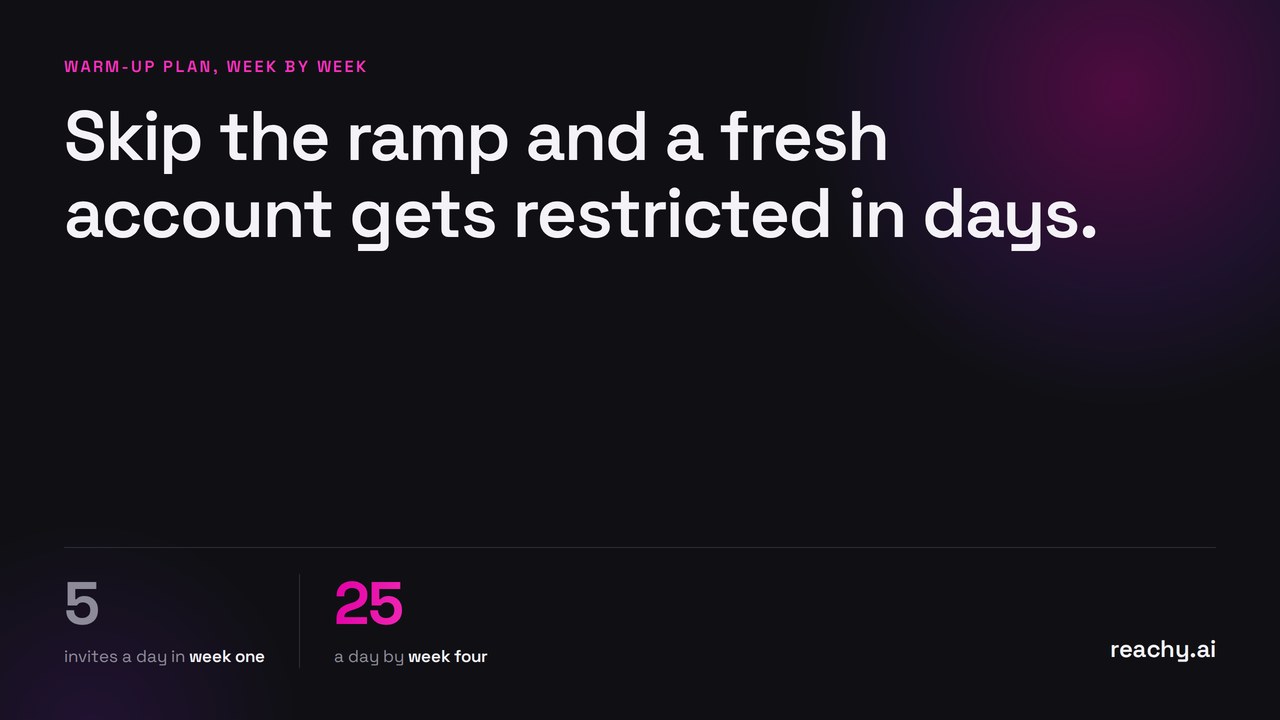
Warming up a LinkedIn account means increasing your activity gradually over 3 to 4 weeks, so your behavior stays inside what LinkedIn considers normal for a real person. Start small (a handful of connection requests a day), grow the volume week by week, and mix in human activity like profile visits and replies. Skip the ramp and go straight to 50 requests a day on a fresh account, and you’ll trip LinkedIn’s limits fast.
Here’s the plan I use and recommend, week by week.
What does “warming up” actually mean?
LinkedIn models what normal usage looks like for each account: how much you connect, message, browse and post, and how those numbers evolve. A three-year-old account that suddenly sends hundreds of invitations doesn’t look like a person who got motivated. It looks like a script.
Warming up is simply closing that gap on purpose. You teach the account (and LinkedIn’s models) that higher activity is your new normal, one step at a time. This applies to three situations: brand-new accounts, dormant accounts coming back to life, and active accounts about to start doing outreach for the first time.
How long does a LinkedIn warm-up take?
Three to four weeks for most accounts. Here’s a conservative ramp that works:
| Week | Connection requests / day | Messages / day | Other activity |
|---|---|---|---|
| 1 | 3 to 5 | 0 to 5 | Browse your feed, visit 10 to 20 profiles, react to a few posts |
| 2 | 5 to 10 | 5 to 10 | Keep browsing, accept incoming invites, reply to everything |
| 3 | 10 to 15 | 10 to 15 | Add a post or a comment or two |
| 4+ | 15 to 25 | 15 to 25 | Steady state: roughly 100 to 150 total actions per week |
Two notes on reading this table. First, older accounts with real history can ramp faster; brand-new accounts should take the slow lane. Second, the ceiling matters less than the slope: a smooth increase beats jumping between quiet days and burst days.
For where the limits themselves stand this year, see my breakdown of LinkedIn connection request limits in 2026.
What activity counts during warm-up?
Not all actions are equal. During the ramp, the goal is to look like a person who’s becoming more active, not a machine that does exactly one thing. Mix these in:
- Profile visits before you connect. A visit followed by an invitation a day later reads as genuine interest
- Replies. Answering people who message you is the most human signal there is, and it’s free
- Reactions and comments on posts from your network
- Accepting incoming invitations, which grows your network without spending your own quota
- Withdrawing old pending invites past 3 weeks. A pile of ignored requests drags on your acceptance rate
Acceptance rate is the number to watch. If fewer than one in four people accept your requests, slow down and fix your targeting before raising volume. Better targeting, not more volume, is usually the answer (it’s the whole reason I built audience building from your website URL).
What should you avoid in the first weeks?
- Sending invitations with the same copy-pasted note to everyone. Either personalize it or send without a note
- Bursts: 40 actions on Monday, nothing until Friday. Spread activity across days and across the day
- Running outreach from a datacenter IP. Activity should come from where you actually are
- Multiple tools automating the same account at once
- Mass-withdrawing or mass-deleting anything while you’re ramping up
None of this requires paranoia. It’s one principle applied consistently: do what a motivated human would do, at the pace a human would do it.
How does Reachy AI handle warm-up automatically?
Reachy AI has a warm-up mode built in, and it exists because I got tired of doing the table above by hand.
When you connect an account, Reachy AI starts it at conservative daily volumes and raises them gradually over the first weeks, spreading actions through the day at a human pace. Everything runs locally on your machine, from your own browser with your own IP, so the activity comes from exactly where LinkedIn expects it. Once the account reaches its optimal level, Reachy AI holds it inside safe weekly limits (roughly 100 to 150 actions) and drips your campaigns accordingly.
If you manage several accounts, each one warms up on its own schedule. That’s the boring, repetitive kind of discipline software is good at and humans are not.
When is your account ready for real outreach?
You’re warm when three things are true: you’ve held steady-state volumes for at least a week, your acceptance rate sits above 25 to 30 percent, and you’re getting replies, not just accepts. From there, keep the mix human (replies, comments, profile visits) and let the volume stay flat. Warm-up isn’t a phase you finish so you can floor it afterwards; it’s the on-ramp to a pace you keep.
Want the ramp handled for you? Download Reachy AI and connect your account: the free plan covers 50 contacts, warm-up mode included, no credit card. If you run client accounts, pricing covers multi-account plans where each account warms up independently.