
Find LinkedIn Leads From Your Website URL: Reachy AI Reads Your Site and Builds the List
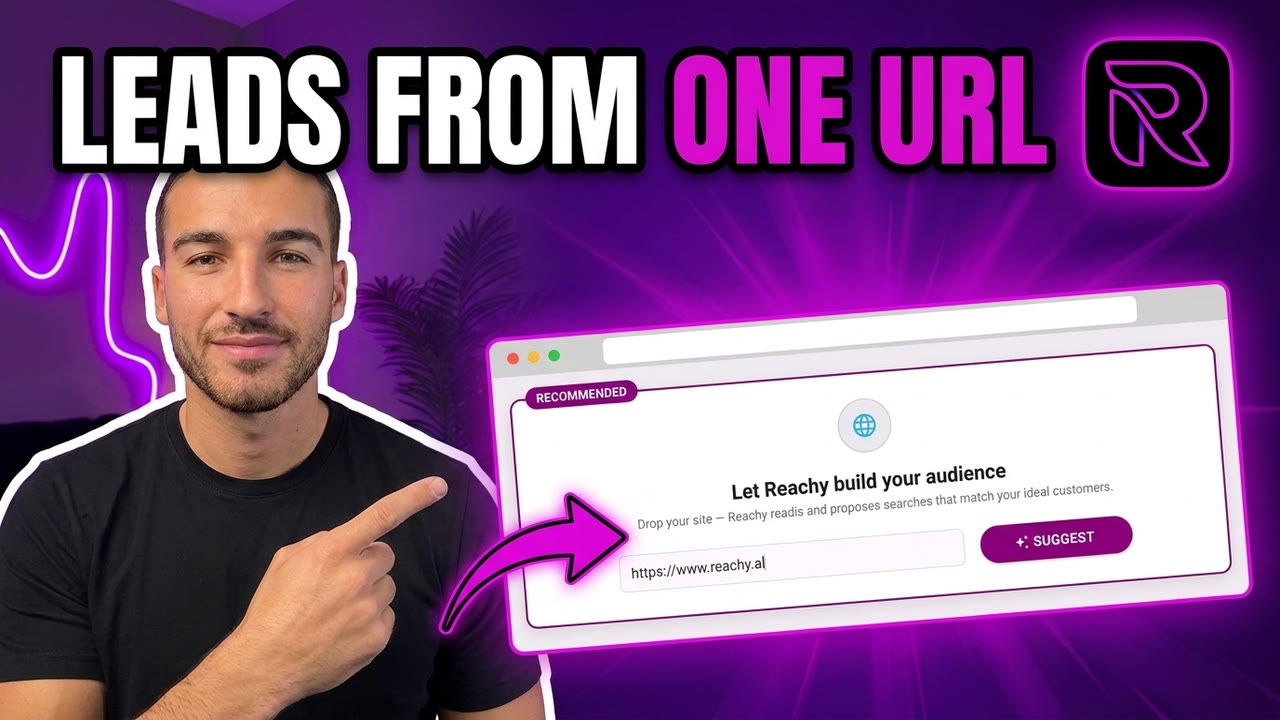
You can now build a qualified LinkedIn audience by pasting one thing into Reachy AI: your website URL. Reachy AI reads your site, works out who your ideal customers are, builds ready-to-run LinkedIn searches for them, then writes your whole outreach sequence with personalized messages and follow-ups included. It all runs locally on your machine, with AI included (or your own OpenAI, Claude, Gemini or OpenRouter key).
Here it is in 30 seconds:
The rest of this article shows exactly how it works and why I built it this way.
Why does targeting eat half of your outreach time?
Ask anyone running LinkedIn prospecting, for themselves or for clients, where the hours actually go. It’s rarely the messaging. It’s the targeting: translating “who buys from us” into job titles, keywords and filters, testing searches that return the wrong people, rebuilding lists every time a campaign starts.
Most tools skip this problem entirely. They assume you arrive with a perfect ICP definition and polished Boolean searches. In reality, that definition lives half-formed in your head. The full version lives in one place you already maintain: your website. Your homepage, your pricing page and your case studies already describe who you sell to, what problem you solve, and what a good customer looks like.
So I made that the input.
How does Reachy AI build an audience from just a URL?
Three steps happen after you paste your site into the “Let Reachy AI build your audience” box:
- Reachy AI reads your website. It analyzes your pages and writes a plain-English summary of your ideal customers: the roles, the company types, the pain you solve. You can edit this summary, and it becomes the brain for everything downstream.
- It proposes ready-to-run LinkedIn people searches. Five of them, each with job titles and keywords already filled in. Things like “bootstrapped founders seeking their first customers” or “sales professionals doing LinkedIn prospecting and outbound”. Toggle off the ones you don’t want, tweak the ones you do.
- You hit Launch. Reachy AI runs the searches from the embedded browser on your machine and fills your list with matching people, respecting LinkedIn’s limits as it goes.
No Boolean syntax. No exporting CSVs between tools. The whole thing takes about a minute, and you review every step before anything runs.
What does the AI write in the message sequence?
Once your list has a definition, click Suggest Sequence in the Send Messages tab. Using the same understanding of your site and audience, Reachy AI drafts the entire campaign:
- An initial message that references who the person is and what you actually do, not a template with a
{first_name}bolted on - Follow-ups (typically day +3 and day +5) that add a new reason to reply instead of “just bumping this”
- Personalization tokens and adaptive blocks that adjust the message to each contact’s role and context
Everything is editable before anything sends, and sending drips out gradually within safe daily limits. The messages are generated with Reachy AI, included on every plan, or optionally with your own OpenAI, Claude, Gemini or OpenRouter API key. With your own key you pay the AI provider’s actual price, with zero markup, and you pick the model you trust (GPT-5.5, Claude Opus 4.8, or lighter ones for volume).
Why does running locally matter?
Reachy AI is a desktop app, not a cloud service. For this feature, that design pays off twice:
- Your data stays yours. Your website analysis, your lists, your conversations and your AI key live on your machine. There’s no third-party database holding your pipeline.
- Your costs stay flat. The AI part isn’t a premium tier. It’s included on every plan, and you can bring your own key at cost if you prefer. Agencies running multiple accounts feel this immediately.
- It behaves like you. Searches and messages run from your own browser with your own IP, at a human pace, inside LinkedIn’s expected limits.
Control, privacy and predictable cost. That’s the local-first trade, and it’s why agencies managing 5 to 15 client accounts are Reachy AI’s fastest-growing users.
How do you try it? (60 seconds, free)
- Download Reachy AI for Mac, Windows, or Linux
- Connect your LinkedIn account. The free plan includes 50 contacts, no credit card
- Paste your website URL into “Let Reachy AI build your audience” and hit Suggest
- Review the searches, launch, then let Suggest Sequence write your campaign
If you’re doing this for clients, the same flow works per account: paste the client’s URL, and Reachy AI builds their ICP and campaign in one pass. See pricing for multi-account plans.
Your website already knows who your customers are. Now your outreach can too.