
The 6 Best Meet Alfred Alternatives in 2026
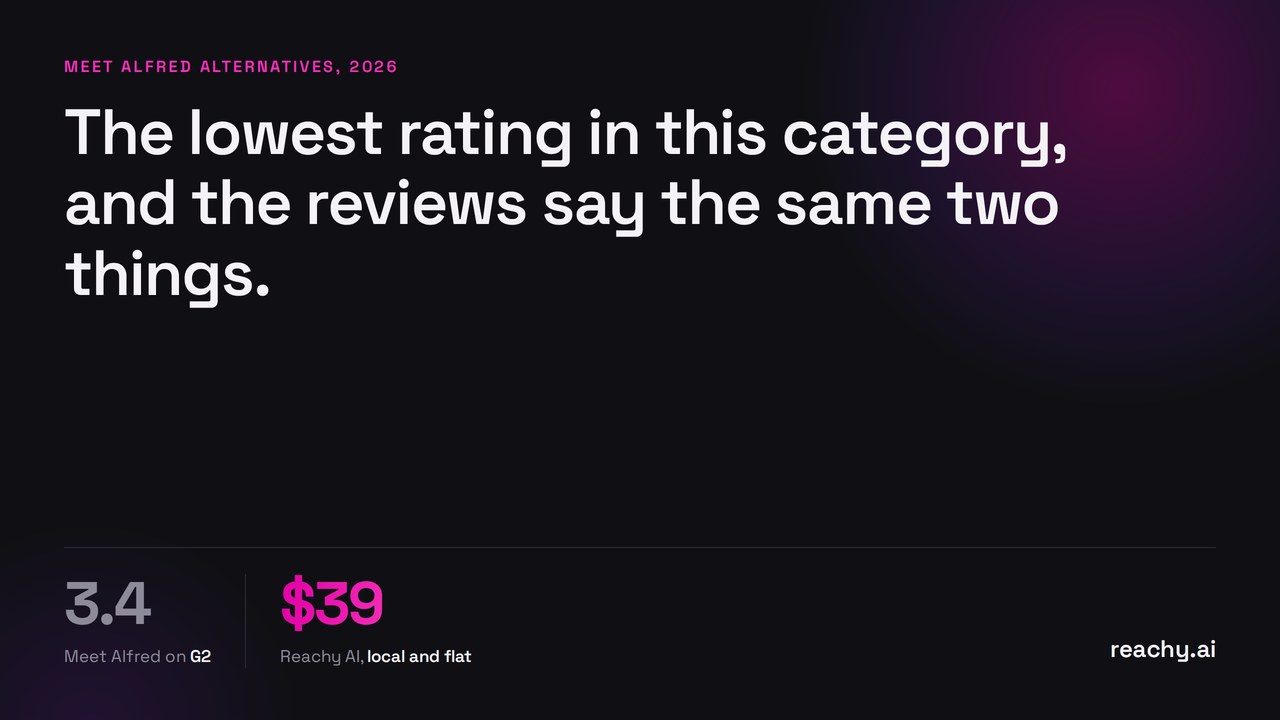
Meet Alfred has the lowest rating of any tool covered on this site: 3.4 out of 5 on G2 from 38 reviews. That is a small sample, so treat it carefully, but the complaint themes are consistent enough to be worth naming, and they are not really about features.
Support and refund handling come up most, described as scripted, slow and hard to escalate. Second is campaigns stopping without notice when the sync layer errors, which means checking on them rather than trusting them. Third is features disappearing between releases.
The pricing is the other thing to understand. Basic is $59 a user monthly, $29 annually, but it caps you at three campaigns and excludes Sales Navigator. Most reviewers describe outgrowing it quickly, so Pro at $99 monthly or $49 annually is the honest comparison point.
Meet Alfred alternatives at a glance
| Tool | From | Priced per | Runs | Rating |
|---|---|---|---|---|
| Linked Helper | $8.25/mo | LinkedIn account | your machine, desktop app | 4.9 Capterra |
| Waalaxy | €19/mo | user | cloud, shared IP | 4.5 G2 |
| Reachy AI | $59/mo | flat, 1 account | your machine, desktop app | 4.9, 814 reviews |
| We-Connect | $49/mo | seat | cloud, dedicated country IP | 4.7 Capterra |
| Dripify | $59/mo | user | cloud, regional IP | 4.7 Capterra |
| Expandi | $99/mo | seat | cloud, dedicated country IP | 4.3 G2 |
| Meet Alfred | $59/mo | user | extension plus cloud sync | 3.4 G2 |
Vendor-published prices as of August 2026, monthly rates. Ratings are from the source named, and sample sizes vary widely, so weight them accordingly.
Why look for a Meet Alfred alternative?
Support is the dominant complaint. Poor responses and refusal of refunds are the two phrases that recur. When outreach is running on client accounts, support quality stops being a soft factor.
Campaigns stop quietly. Sync errors halting sequences without notification means the failure mode is silent, which is the worst kind.
Basic is too thin to judge the product on. Three campaigns and no Sales Navigator.
Features have been removed without notice. Several reviewers describe functionality they were relying on disappearing.
No dedicated IP per account. The extension architecture means actions come from your own connection, which is good, but if you run several accounts from one machine there is no isolation between them.
Credit where it is due: the annual entry price is among the lowest for a tool with this feature breadth, the built-in lightweight CRM and smart inbox are genuinely useful at the price, and LinkedIn groups and events sourcing is more than several pricier tools offer.
1. Reachy AI, if reliability and support are the problem
Disclosure: this is my product, so check the rest independently.
The two things that go wrong with Meet Alfred are the two things I would point at here. Support is direct founder access, not a ticket queue, because the company is small enough that this is simply how it works. And execution is a desktop app on your machine rather than an extension synced to a cloud layer, which removes the class of failure where a sync error silently stops a campaign.
It also does the sourcing: paste your website URL, it detects your ICP, builds audiences from live signals, post reactions, group members, event attendees, scores them, and writes the sequence with its included AI, or your own key at no markup.
Flat pricing: $59 for one account, $149 for five, $299 for fifteen. Rated 4.9 from 814 reviews across G2, Capterra and GetApp.
Pick something else if you need campaigns running with the machine off, or you want a built-in CRM. Reachy AI syncs to HubSpot, Salesforce and Pipedrive rather than replacing them.
2. Dripify, if you want the cloud version done properly
$59 monthly, $39 annually, cloud, regional dedicated IP, email on every paid tier. Capterra 4.7 from 477 reviews, and ease of setup is the most consistent praise it receives.
Same price as Meet Alfred Basic, with a far larger and healthier review base. Avoid Dripify Basic for the same reason you would avoid Alfred Basic: one campaign, not editable.
Pick it if you want like-for-like with better reliability. Reachy AI vs Dripify.
3. Waalaxy, if you want the friendliest tool at the lowest price
From 19 euros a user monthly, the easiest onboarding in the category, and the largest review base anywhere here at 4.5 on G2 from over 1,500 reviews.
Two caveats. Waalaxy retired its Chrome extension in 2026 and now runs fully cloud on a VPN IP shared with up to five users, so if you valued Alfred running through your own browser this is a step away from that. And Waalaxy has its own billing and auto-renewal complaints, so read the cancellation terms.
Pick it if simplicity and price lead. Waalaxy alternatives.
4. Linked Helper, if you want depth for less money
$8.25 a month on an annual term, a desktop app running from your own IP, and the highest Capterra rating in the category at 4.9 from 276 reviews. Support responses measured in minutes, which is the direct inverse of the main Alfred complaint.
It asks a lot in return: a steep learning curve, a dated interface, roughly 2.5 GB of RAM per account, no native email, and your machine has to stay on.
Pick it if you are technical and want maximum control per pound. Reachy AI vs Linked Helper.
5. We-Connect, if you want a proper dedicated IP
$49 a seat billed annually, cloud, dedicated country-based residential IP per account, campaigns running with your computer off, and an Agency tier from ten seats.
Email starts at the $59 Professional tier. And accounts are reportedly deactivated the moment a payment fails, with no grace period.
Pick it if running several accounts with isolation between them matters. We-Connect alternatives.
6. Expandi, if you want the mature option
$99 a seat, $79 annually, dedicated country-based IPs, automatic warm-up, native email and a long operating record.
The most expensive option here, no free plan behind a seven-day trial, G2 4.3 with a reported eight-month payback.
Pick it if account safety justifies the premium. Expandi alternatives.
Which should you actually pick?
- Support quality is why you are leaving: Reachy AI or Linked Helper, both small teams that answer directly.
- You want the same tool that works: Dripify.
- You want to keep actions on your own connection: Reachy AI, Linked Helper. Alfred’s extension model was right about this even if the execution frustrated you.
- You are running several accounts: We-Connect or Expandi, for the per-account IP isolation Alfred does not provide.
- Price leads: Linked Helper, or Waalaxy if you want it easy.
One practical note. If your campaigns have been stopping silently, check whether the accounts were near LinkedIn’s weekly invitation ceiling rather than assuming the tool failed. The symptoms look identical and the fix is different.
Download Reachy AI if you want sourcing, sending and a founder who answers. Fourteen-day trial, no card.
Frequently asked questions
- Why does Meet Alfred rate poorly on G2?
- It sits at 3.4 out of 5 from 38 reviews, the lowest of the mainstream LinkedIn automation tools. The recurring themes are support quality and refund handling, campaigns stopping without notice on sync errors, and features being removed without warning.
- How much does Meet Alfred cost?
- Basic is 59 dollars a user monthly or 29 billed annually, and Pro is 99 monthly or 49 annually. Basic is limited to three campaigns and excludes Sales Navigator, so the advertised 29 dollars is rarely the usable price.
- Does Meet Alfred run from my own IP?
- Largely yes. It is a Chrome extension with a cloud sync layer, so actions execute through your browser and your connection. That avoids the datacenter IP problem, but it also means no dedicated IP per account if you run several.
- What is the closest Meet Alfred alternative?
- Dripify is the nearest cloud equivalent at a similar price with a stronger reliability record. If you want to keep actions running from your own machine rather than a datacenter, Reachy AI and Linked Helper are the desktop options.
- Is Meet Alfred Basic worth it at 29 dollars?
- Reviewers consistently say no. Three campaigns and no Sales Navigator access is thin, and most users describe upgrading quickly, which makes Pro at 49 dollars annually the honest comparison point.