
Your AI doesn't need more intelligence on LinkedIn. It needs a harness.
Every week someone tells me the same thing: “I’ll just have ChatGPT do my LinkedIn outreach.”
They’re half right. ChatGPT, Claude and the rest write better first messages than most humans. The writing was never the hard part.
The hard part is everything around the message. Who did I already contact? From which account? What did they answer three weeks ago? How many invites has this account sent today? Is this follow-up worth a call to the expensive model, or will the cheap one do?
A model doesn’t know any of that. It wasn’t built to. That’s the job of a harness, and it’s what Reachy, the local LinkedIn outreach agent, is for. Reachy doesn’t replace your AI. It’s what lets your AI do LinkedIn outreach without you babysitting it.
What a harness is
Think of a climbing harness. It doesn’t climb for you. It’s what lets you climb harder without the fall being fatal.
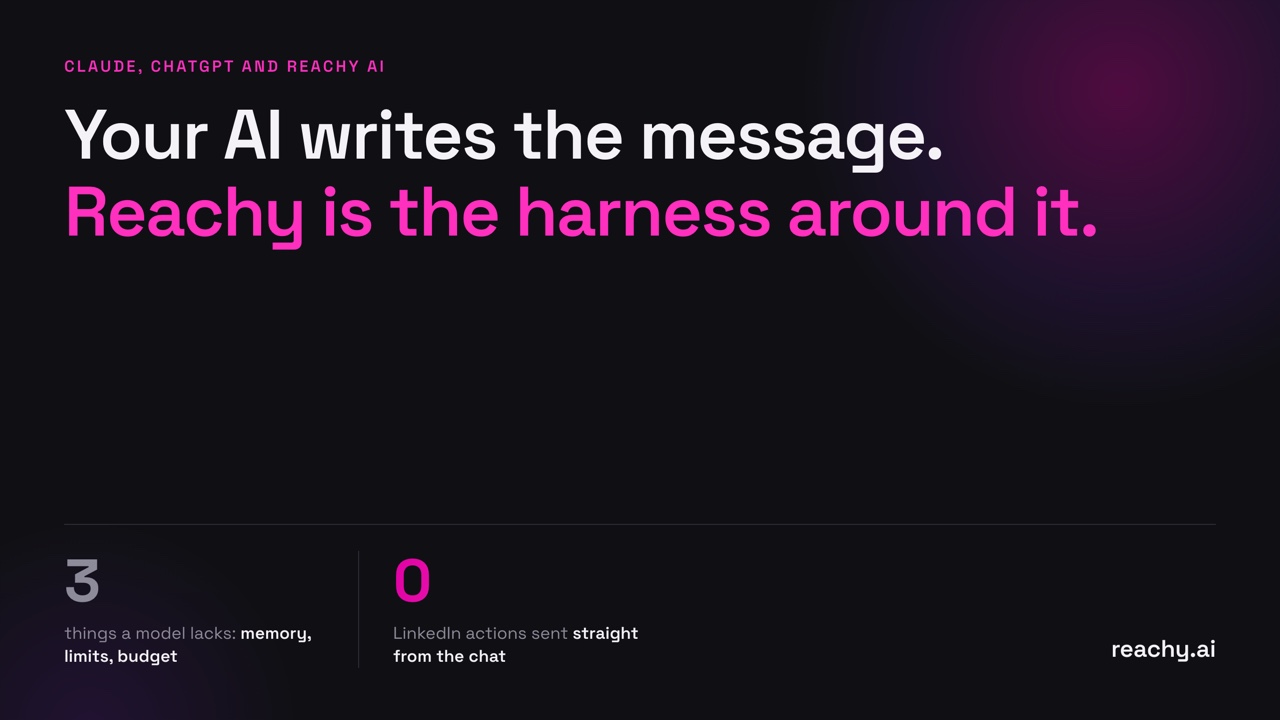
An AI harness on LinkedIn is the same idea. The model supplies the power: reading a profile, deciding what to say, writing it well. The harness supplies three things the model lacks.
Memory. A model starts fresh in every conversation, and whatever memory it has lives inside one vendor’s app. Outreach needs a durable record: every prospect, every thread, every account, every reply.
Limits. LinkedIn watches for activity that doesn’t look human. A model asked to “follow up with everyone” will try to do exactly that, right now. Something has to say: this account has sent enough today, the rest goes tomorrow.
Budget. Every model call costs money. Most outreach steps don’t need a model at all. Something has to decide when the model is called, and which one.
Without those three, an AI agent on LinkedIn is a strong horse with no reins.
Why “just use ChatGPT” breaks after week two
The first week works. You paste profiles, get great messages, send them by hand. Then the volume grows.
You lose track of who you’ve contacted. You message someone you already spoke to last month, from a different account. A prospect replies on Tuesday and still gets your Thursday follow-up. You spend an hour a day copying text between tabs.
None of these are intelligence problems. A smarter model doesn’t fix them. They’re memory, limits and budget problems, and they’re exactly the part Reachy handles, so your AI can keep doing the part it’s good at.
Who does what
| Your AI | Reachy | |
|---|---|---|
| Finding people | Turns “who I sell to” into a LinkedIn search | Collects people from searches, posts, events, groups and Sales Navigator |
| Choosing who first | Explains why someone fits | Scores everyone against your audience, ranks by recent engagement |
| Messages | Writes the note, follow-ups and replies | Sends each step at the right time, from the right account |
| Memory | Starts fresh in every chat | Keeps every contact, conversation and sequence |
| Safety | Does what you ask, right now | Warm-up, working hours, per-account daily caps |
Use Reachy from Claude and ChatGPT
Reachy has a connector for Claude and ChatGPT, built on the Model Context Protocol (MCP), the open standard AI assistants use to call outside tools. Connect your Reachy app, and you can sit in Claude or ChatGPT and ask:
- “How are my campaigns doing this week? Who replied and is interested?”
- “Who should I contact first in my agency campaign?”
- “Draft an answer to Marie suggesting a call on Thursday, and queue it in Reachy.”
- “Add these profiles to my agency campaign.”
- “Pause my agency campaign.”
Your AI plans and writes. Reachy does the rest: it answers from its memory, checks each account’s limits and sends from your own LinkedIn session, on its schedule.
The important part is the split. Your AI never sends anything to LinkedIn. What you ask in the chat becomes a request; the Reachy app applies it when it’s open, checks it against warm-up and daily limits, and runs it at its next pass. The limits aren’t in the prompt, where a model could talk its way past them. They’re enforced by the app on your computer. If an account has hit its daily pace, the action waits, whatever the AI requested.
One memory, any model
There’s a second benefit, and it’s the one I care about most.
ChatGPT’s memory stays in ChatGPT. Claude’s stays in Claude. If your outreach history lives inside a model vendor’s app, switching models means starting over.
With Reachy, the memory lives in the Reachy app on your computer: prospects, conversations, your offer and your audience. You can use Claude through the connector on Monday, your own GPT key inside Reachy on Tuesday, and the included Reachy AI on Wednesday. They all work from the same history.
That’s also how you avoid overpaying. Searching, clicking, sequencing and pacing are plain code in Reachy, not model calls. A model is called only when there’s judgment involved: scoring a profile or writing a message. Plans are a flat price with AI included, no per-action credits, and if you bring your own key, your provider bills you directly.
What Reachy deliberately does not do
To be clear about the boundaries:
- It doesn’t try to hide from LinkedIn. It keeps activity inside normal, human ranges. No tool can promise an account will never be reviewed; staying human-paced is the honest version of “safe.”
- It doesn’t send without you. Your AI shows you a reply before queuing it. New campaigns arrive in Reachy as drafts you launch yourself, and new sources or messages wait for your click.
- It doesn’t move your LinkedIn session. Sending always happens in the Reachy app, from your computer. If you connect the app to Claude or ChatGPT, the connector keeps a summary of your campaigns, contacts and replies so the chat can read them, until you disconnect. Your AI client sends its model whatever the conversation contains, as it always does.
Getting started
- Download Reachy and log in to your LinkedIn account inside it.
- In Claude, open Settings, then Connectors. In ChatGPT, open Settings, then Apps.
- Add Reachy with the account connector URL and approve the connection in the Reachy app.
- Ask: “How are my campaigns doing this week?”
Full setup, including the version that works without the app, is on the Claude and ChatGPT connector page.
The short version
The model is interchangeable, and it will keep getting better on its own. The memory and the harness are what you keep.
Reachy is the local LinkedIn outreach agent that provides both, now from inside the AI you already use.
Frequently asked questions
- Can Claude or ChatGPT run my LinkedIn outreach on their own?
- They can write the messages and decide who fits, often better than a person. What they lack is durable memory of every prospect and account, per-account sending limits, and a schedule that runs every working day. Reachy provides that harness, and works with the model you already use.
- Can my AI push my LinkedIn account past safe limits through Reachy?
- No. Through the connector, your AI only queues requests. The Reachy app applies them on its schedule, within each account's warm-up and daily limits, whatever the prompt said. No tool can guarantee LinkedIn will never act on an account; Reachy keeps activity within normal, human ranges.
- What data does the Reachy connector keep?
- Without your app connected, it computes each answer and keeps nothing. If you connect your Reachy app so Claude or ChatGPT can read your campaigns, it keeps a summary of campaigns, contacts and replies until you disconnect. LinkedIn sessions and sending always stay in the Reachy app on your computer.
- Do I need Claude or ChatGPT to use Reachy?
- No. Reachy includes its own AI on every plan, and you can plug in your own Claude, GPT, Gemini or OpenRouter key. The connector is an extra way to drive Reachy from the AI you already work in.