
LinkedIn MCP: run your LinkedIn outreach from Claude or ChatGPT
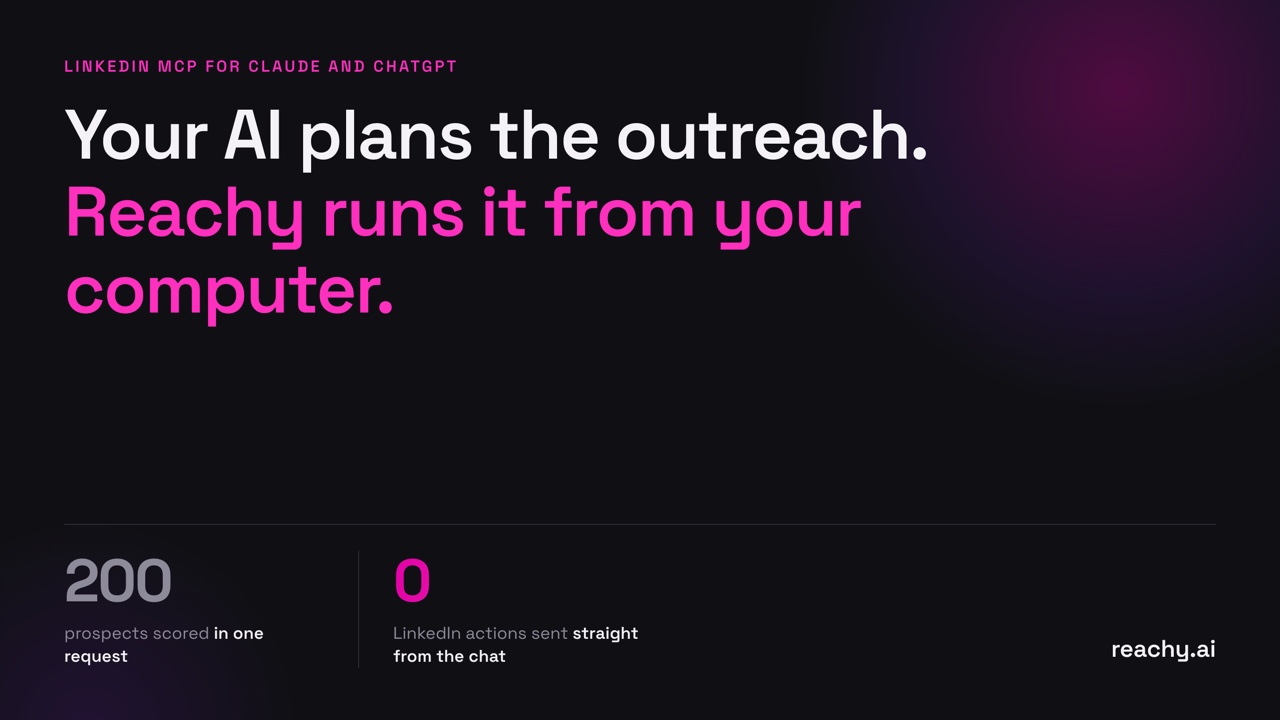
A LinkedIn MCP is a set of tools that lets Claude or ChatGPT work on your LinkedIn outreach: find the right people, score them, write and check the messages, and follow the results. The good ones never send anything to LinkedIn themselves. They hand the work to something that runs at a human pace from your own account.
That last point is the whole article. Here is why, what a LinkedIn MCP should do, and how to set one up in two minutes.
What MCP changes for LinkedIn outreach
Before MCP, using an AI for outreach meant copying. You pasted a profile into ChatGPT, copied the message back into LinkedIn, and kept track of who you contacted in a spreadsheet.
MCP (Model Context Protocol) lets an assistant call tools directly. Connect a LinkedIn MCP and you can ask, in plain words:
- “Find Heads of Sales at SaaS companies in the Nordics.”
- “Here are 40 webinar attendees. Who should I contact first?”
- “How are my campaigns doing this week? Who replied?”
- “Approve the reply to Marie, and pause the agency campaign.”
The assistant picks the right tool, reads the result and answers you. No tabs, no copying.
The one rule: the model must not drive LinkedIn
A model is fast and literal. Ask it to “follow up with everyone who accepted” and it will try to do exactly that, now. LinkedIn watches for activity that doesn’t look human: bursts of actions, round-the-clock activity, logins from datacenter IPs. We cover the mechanics in how to not get banned on LinkedIn.
So a safe LinkedIn MCP splits the work in two:
| The assistant (Claude, ChatGPT) | The harness (Reachy) | |
|---|---|---|
| Decides | Who fits, what to say, what to do next | When it happens, from which account |
| Remembers | The current chat | Every contact, conversation and account |
| Limits | None of its own | Warm-up, working hours, daily caps per account |
| Touches LinkedIn | Never | Yes, from your computer and IP |
This is the idea behind Reachy as a harness for your AI. The assistant plans. Reachy executes, and can refuse.
What the Reachy connector can do
The connector comes in two parts.
Without an account (https://reachy.ai/mcp), your assistant can:
- Build a LinkedIn people search from job titles, keywords and regions (“DACH”, “Nordics”)
- Score up to 200 prospects against your ideal customer, with the reasons
- Check a connection note or message: length, variables, and phrasing that reads as AI-written
- Package a full campaign (audience, searches, sequence) ready to run in Reachy
With your Reachy app connected (https://reachy.ai/mcp/account), it can also:
- Read your campaigns, contacts, replies and the last 7 days of results
- List your hot prospects: who fits best, weighted by recent engagement
- Show the AI replies waiting for approval, and send, edit or cancel them
- Queue a reply, pause or resume a campaign, stop messages to one person
- Create a campaign from a search, a post, an event or a group, add sources, change messages
Every action is a request. The app applies it when it is open, checks it against your limits and schedule, and you can ask the assistant afterwards whether it was done and, if not, why. New campaigns wait in Reachy for your click.
How to set it up
Claude: Settings, then Connectors, then Add custom connector. Name it Reachy and paste https://reachy.ai/mcp.
ChatGPT: Settings, then Apps. Until Reachy is listed in the app directory, turn on Developer mode under Advanced settings (paid plans), click Create app, paste the URL and choose No authentication.
Claude Code: claude mcp add --transport http reachy https://reachy.ai/mcp
To connect your campaigns, add https://reachy.ai/mcp/account instead (with OAuth in ChatGPT). A Reachy page opens: click Open Reachy and approve in the app. Full steps are on the connector page.
Five prompts worth trying
- “Find Heads of Sales at SaaS companies in the Nordics and write a connection note.”
- “Here are 40 people from a webinar list. Who should I contact first if I sell to CFOs of mid-size companies?”
- “Check this LinkedIn message and make it sound less like a template.”
- “Which replies need approval? Send the first two and shorten the third.”
- “Set this up so it runs every day without me copying messages by hand.”
The last one is where the harness matters: the assistant prepares the campaign, and Reachy runs it every working day after you approve it.
What to check before connecting any LinkedIn MCP
Ask four questions of any tool you plug into your assistant:
- Where do LinkedIn actions run? Your computer and IP, or a cloud server?
- Who enforces the limits? The app, or the prompt? A limit in a prompt is a suggestion.
- What does it keep? Reachy’s basic connector keeps nothing you send it. The account connector keeps a summary of campaigns, contacts and replies until you disconnect.
- Can it send without you? In Reachy, replies and new campaigns wait for your approval.
Try it
The connector is included on every Reachy plan, including the 14-day trial. Download Reachy, connect it to Claude or ChatGPT, and ask who replied this week.
Frequently asked questions
- What is a LinkedIn MCP?
- MCP (Model Context Protocol) is the standard way to give Claude, ChatGPT and other assistants tools. A LinkedIn MCP gives your assistant tools for LinkedIn outreach: building searches, scoring prospects, reading campaign results and queuing actions. The Reachy connector is one, available at https://reachy.ai/mcp.
- Can a LinkedIn MCP get my account restricted?
- It depends on how it acts. An MCP that sends actions to LinkedIn directly, from a cloud server, as fast as the model asks, looks nothing like a person. The Reachy connector never touches LinkedIn: it queues requests, and the Reachy app on your computer applies them within each account's warm-up and daily limits.
- Do I need a Reachy account to use the connector?
- No. The basic connector at https://reachy.ai/mcp works without an account: it builds LinkedIn searches, scores prospects against your ideal customer and checks messages. To read your campaigns and queue actions, add https://reachy.ai/mcp/account and approve it in the Reachy app.
- Does it work with Claude Code?
- Yes. Run claude mcp add --transport http reachy https://reachy.ai/mcp and the Reachy tools are available in your terminal sessions.