
Run a LinkedIn campaign from a Google Sheet (and keep it in sync)
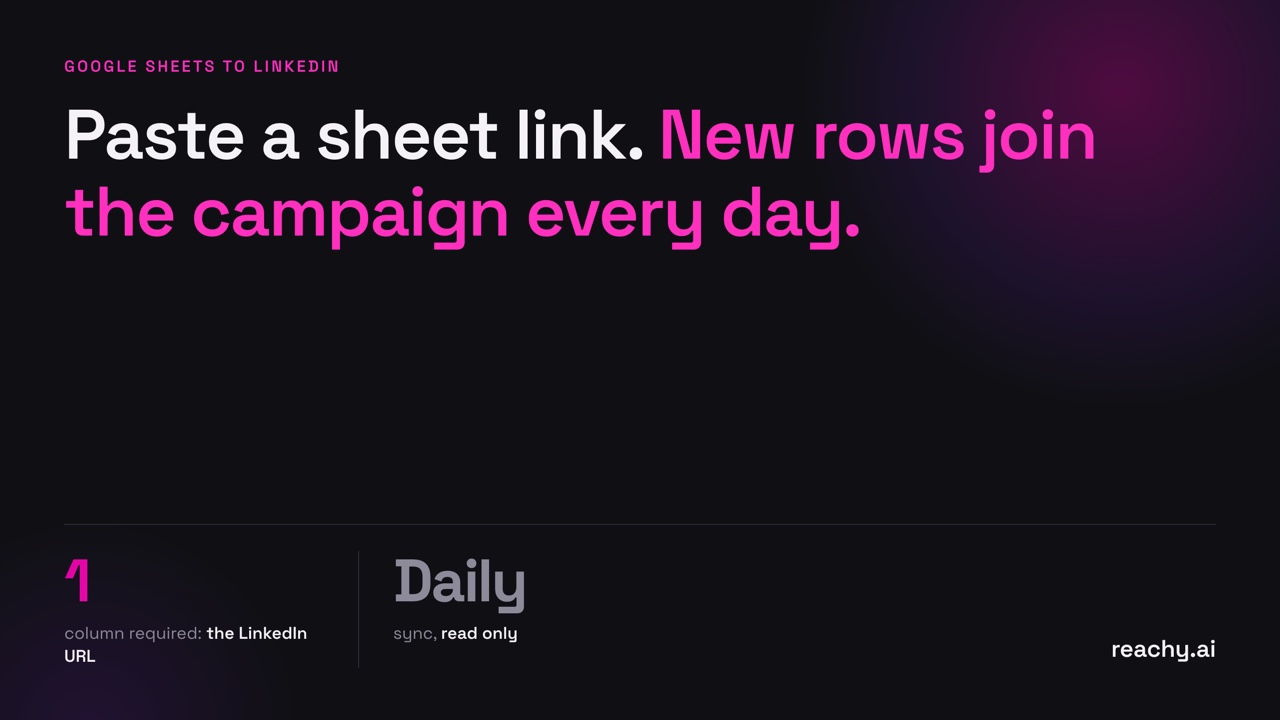
To run a LinkedIn campaign from a Google Sheet, put one LinkedIn profile URL per row, share the sheet by link as viewer, and paste the link into Reachy as the source of a list. Turn on “Keep in sync” and Reachy reads the sheet every day, adding new rows to the campaign while you keep editing the sheet as usual.
This is useful when the list lives somewhere else first: a sheet your team fills, an export from your CRM, a Zapier or Make flow, or event attendees.
When a sheet beats a LinkedIn search
Use a LinkedIn search when you are looking for strangers who match a profile. Use a sheet when you already know who you want:
- Event attendees or webinar registrants
- Leads your sales team qualified elsewhere
- A target account list with named contacts
- Customers, for referrals or case studies
- Rows added by an automation (Zapier, Make, n8n) from a form or a CRM
Prepare the sheet
One row per person. Columns Reachy recognises on its own:
| Column | Required | Example |
|---|---|---|
| LinkedIn URL | Yes | https://www.linkedin.com/in/marie-laurent |
| First name, last name | No | Marie, Laurent |
| Company, job title | No | Acme, Head of Sales |
| No | [email protected] | |
| Up to 3 custom fields | No | Event name, plan, last feature used |
Rows without a LinkedIn URL are skipped. If your list only has emails, run it through an enrichment tool first, or capture LinkedIn URLs at the source.
The custom fields are where the personalisation comes from: “Saw you at [event name]” reads very differently from a generic opener. Reachy flags a contact whose field is empty instead of sending a message with a gap.
Share it and connect it
- In Google Sheets, click Share, then under General access choose Anyone with the link, role Viewer. A “Publish to web” link works too.
- Open the tab you want, and copy its link. Reachy reads the tab of the link.
- In Reachy, add a source to a list and choose Google Sheet. Paste the link and click Read.
- Pick the LinkedIn URL column if Reachy didn’t find it, and optionally keep only some rows: for example, rows where “Status” is “To contact”.
- Choose Keep in sync or Import once.
Reachy only reads the sheet. It never writes to it.
What “Keep in sync” does
- Every day, Reachy reads the sheet again and adds new people.
- When someone leaves the sheet, you choose: keep them in the list, or remove them. People Reachy already contacted are disabled instead of deleted: their history stays and nothing more is sent.
- Filters apply on every sync, so changing a row’s Status to “To contact” is enough to add that person tomorrow.
The same works with a CSV or Excel file on your computer (keep exporting it to the same place with the same name), a PostHog cohort, or the members of a Slack channel.
Pitfalls to avoid
- Private sheets. If Reachy says it can’t read the sheet, check the sharing setting first.
- Several tabs. Only the tab of the link is read. Copy the link while that tab is open.
- Mixed lists. Keep one audience per sheet or per filter. One message rarely fits event attendees and churned customers.
- Duplicates with other campaigns. Reachy checks whether a contact is already connected with one of your accounts before inviting.
Then: what to do with the replies
Rows in a sheet are often warm people, so they answer more. Prepare the next step before you start: a booking link, a trial, an interview slot. Reachy’s AI replies draft the answer and send it to your phone for approval. See from LinkedIn reply to booked call.
Download Reachy and paste your first sheet link.
Frequently asked questions
- What does the Google Sheet need to contain?
- One column with each person's LinkedIn profile URL. Name, company, job title and a few custom columns are optional and can be used to personalise messages.
- How do I share the sheet so Reachy can read it?
- Share it as "Anyone with the link can view", or use a "Publish to web" link. Reachy reads the tab of the link you paste, and only reads: it never changes the sheet.
- How often does Reachy read the sheet again?
- With "Keep in sync", every day. New rows are added to the campaign; for rows that disappear, you choose whether to keep or remove those people. People Reachy already contacted keep their history and are not messaged again.